Bin, filter, main brush, side brush, wheels, sensors and charging contacts, in the order makers list them. Why some filters must never touch water, and how often each part needs attention.
The brush cleaning tool that came with the robot (or small scissors)
Two clean, dry microfiber or soft cotton cloths
Small Phillips screwdriver (if your side brush is held by a screw)
Soft-bristle brush for the filter
Optional: lightly dampened melamine foam sponge for stubborn buildup on iRobot charging contacts
Step by step
01
Step 1 of 7
Power Down and Check Your Manual
Turn the robot off, lift it off the dock and set it upside down on a towel or soft surface. Open the owner's manual or the maker's support page for your exact model; brush guards, filter types and side-brush fittings differ between brands and even between series from the same brand.
02
Step 2 of 7
Empty the Bin and Clean the Filter
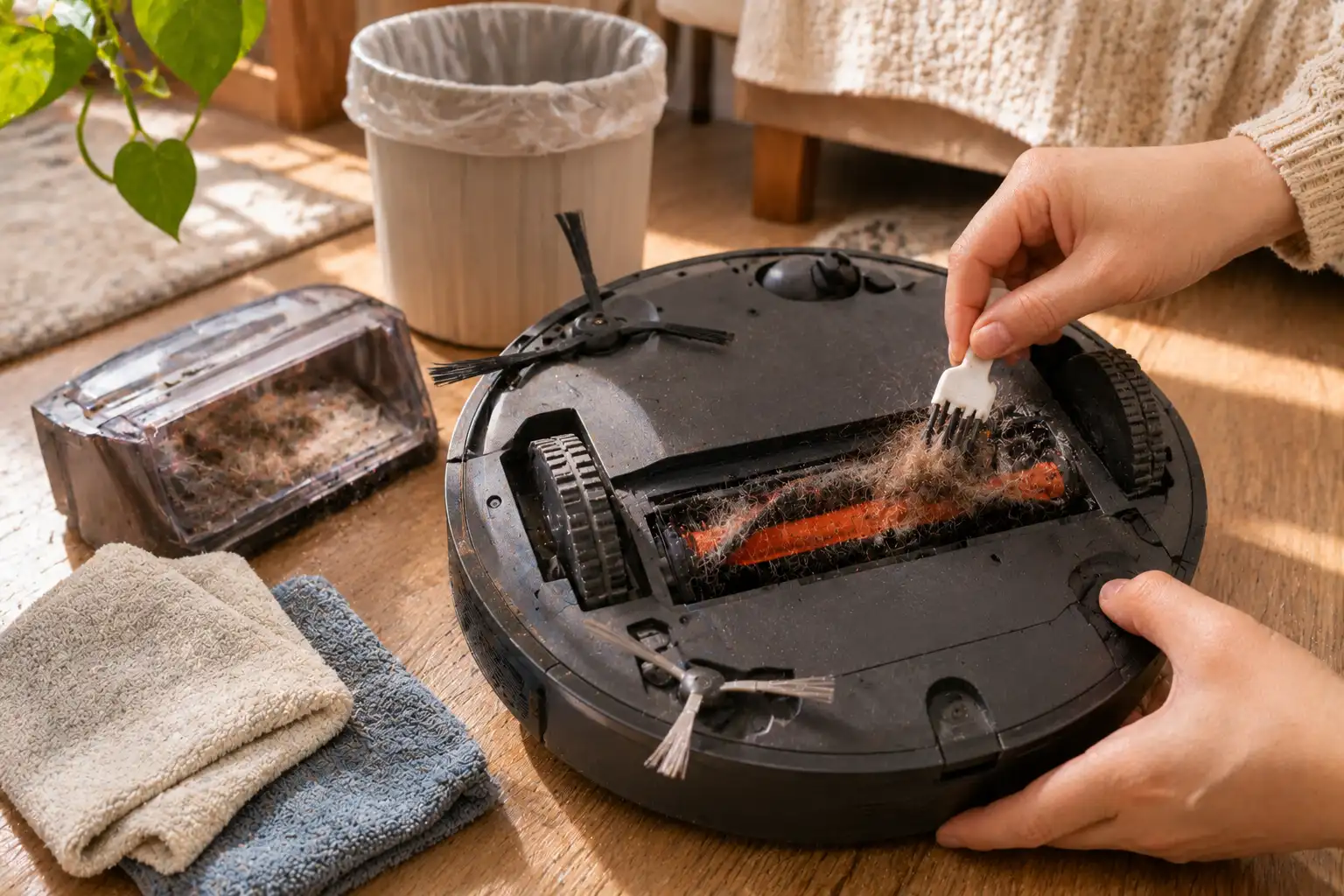
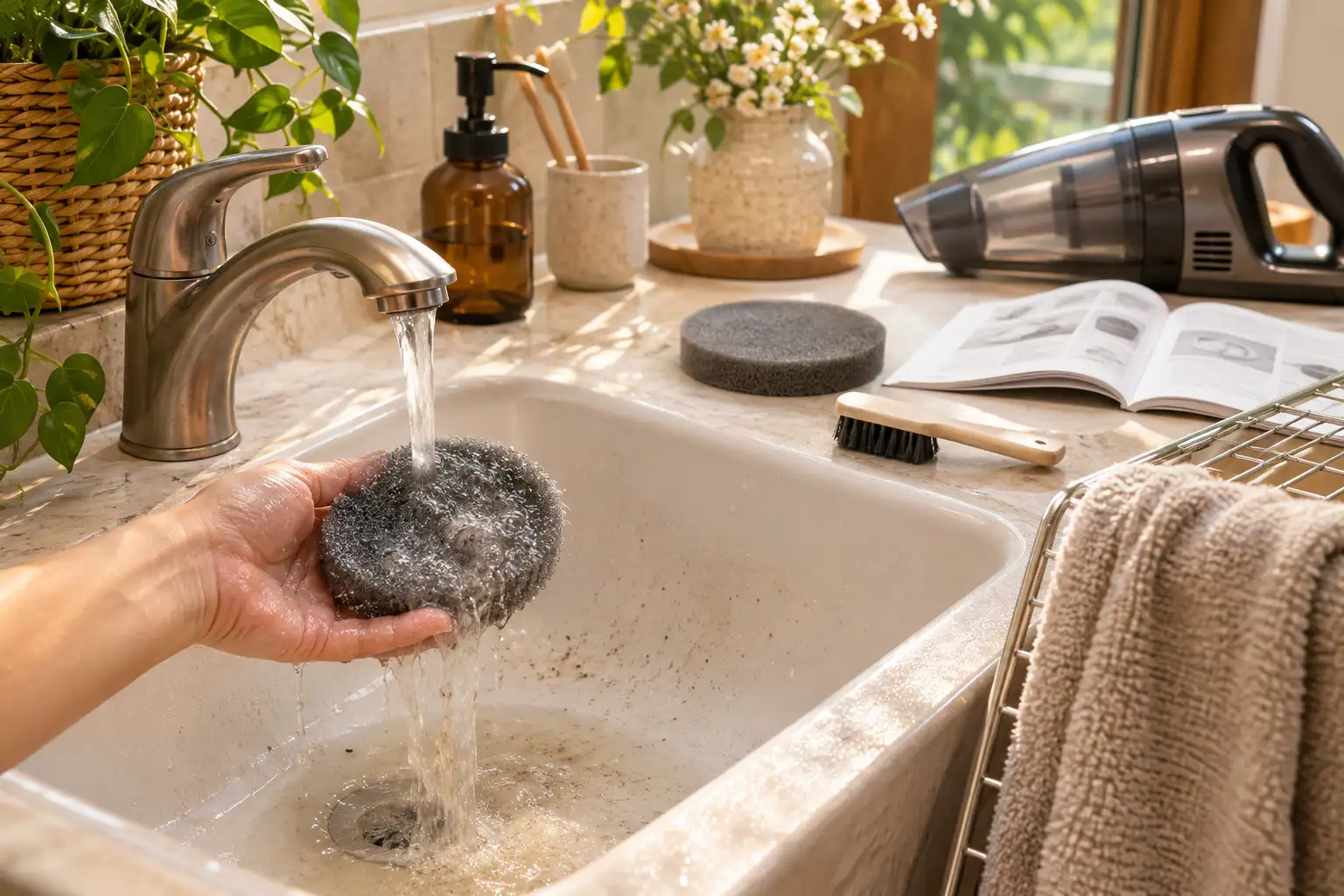
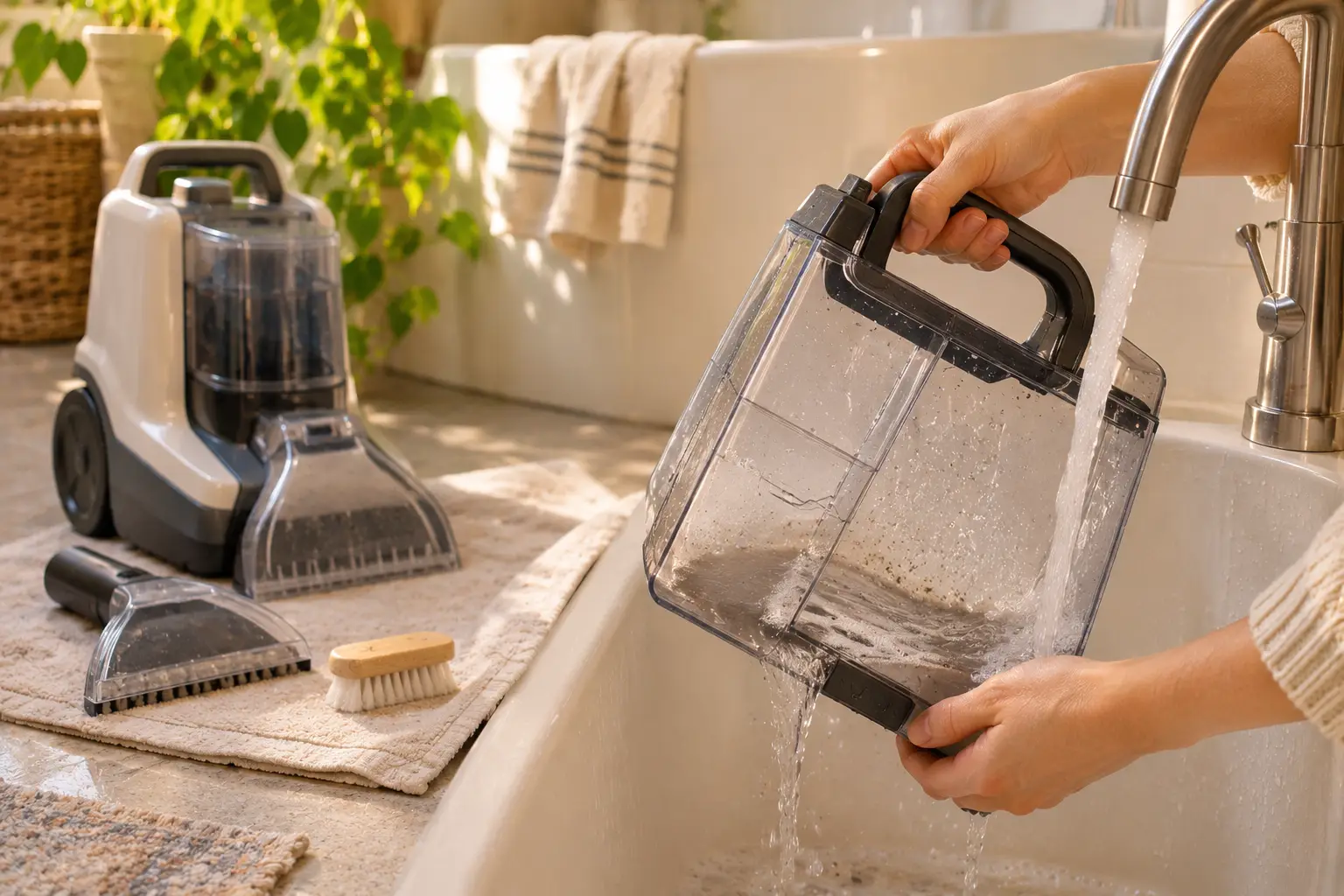
Remove the bin and empty it over a trash can, even if it is not full. Take out the filter and tap it against the inside of the trash can to shake off dust, then brush off what remains with a soft-bristle brush. Rinse the filter only if your manual calls it washable, and let it dry completely before reinstalling. iRobot filters must never get wet. If your bin itself needs rinsing, Roborock says to remove all filters from it first.
03
Step 3 of 7
Free the Main Brush
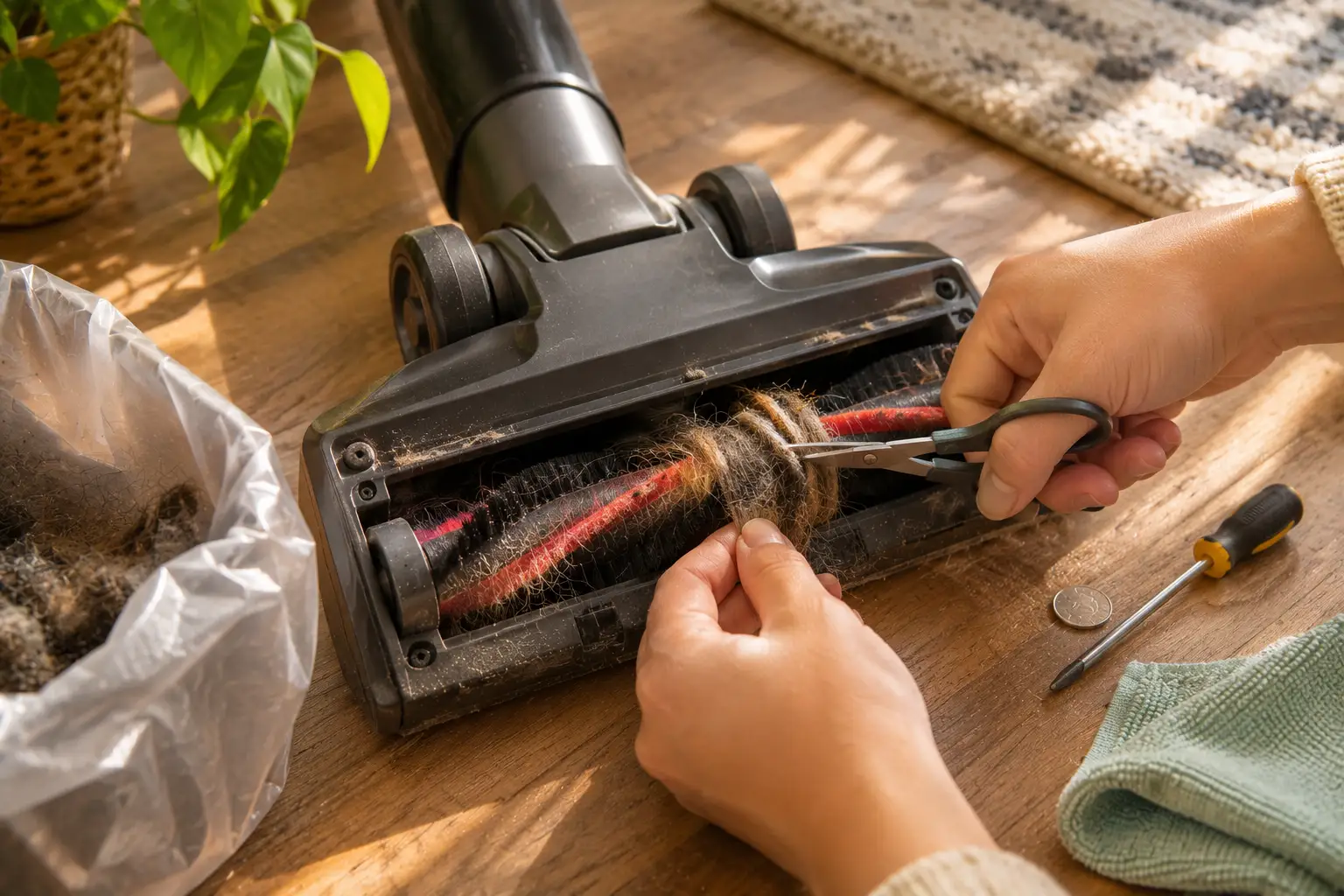
Release the brush guard (on many models by pulling up its tabs), lift out the main brush and pull its end caps or bearings off. Use the included cleaning tool to cut and pull out hair wound around the bristles and the ends. Wipe the brush cavity and guard if they are dusty, then refit the bearings and brush. iRobot warns not to run the robot without its brush bearings.
04
Step 4 of 7
Clean the Side Brush
Remove the side brush, either by undoing its center screw with a small Phillips screwdriver or by pulling it off its peg, depending on the model. Pull out hair and gunk caught at the base, wipe it, and refit it. Replace it if the bristles are bent or worn; Eufy suggests every 3 to 6 months or when visibly worn.
05
Step 5 of 7
Clear the Wheels and Caster
Spin each drive wheel and the small front caster by hand. Pull the caster wheel out firmly, clear debris from its cavity, and remove hair wrapped around the axle; cut stubborn thread away carefully. Wipe dirty wheels with a damp cloth and press the caster back until it clicks into place. Roborock suggests checking the wheels weekly; Eufy lists the swivel wheel as a monthly job.
06
Step 6 of 7
Wipe the Cliff Sensors and Charging Contacts
Wipe each cliff sensor window on the underside with a clean, dry microfiber or soft cotton cloth; Roborock allows a cloth dampened with plain water for tougher spots, but no cleaning solution. Then wipe the metal charging contacts on both the robot and the dock with a dry microfiber cloth. If iRobot contacts have built-up grime, iRobot says to unplug the base, wait 60 seconds and rub them with lightly dampened melamine foam until they shine.
07
Step 7 of 7
Wash the Mop Pad and Reassemble
If your robot has a washable mopping cloth, remove it and wash it after each use as Eufy recommends, letting it dry before refitting. Reseat the filter, bin, brushes and wheels, put the robot back on the dock and run a short test to confirm it charges and navigates normally.
If that didn’t work
Stubborn or set-in? Try these next, in order.
AIf the robot will not charge or charges intermittently after cleaning, wipe the contacts on both the robot and the dock again and make sure the dock sits on a flat spot in a cool, dry place out of direct sunlight, as Roborock advises.
BIf the robot still bumps into ledges, stops near stairs or reports sensor errors, wipe every sensor window again with a fresh dry cloth and check the manual for sensor locations you may have missed. If errors continue, contact the manufacturer's support.
CIf suction stays weak after cleaning the bin, filter and brushes, the filter or main brush may be worn out. Replace them on the maker's schedule (for example, Roborock suggests a new main brush every 6 to 12 months) or contact the manufacturer's support.
Common questions
How often should you clean a robot vacuum?
Empty the bin after every run. Eufy recommends cleaning the filter and main brush once a week (the filter twice a week with pets) and the side brush, sensors, charging pins and swivel wheel once a month. Other brands, including iRobot, simply say to clean these parts regularly, so follow your own manual.
Can you wash a robot vacuum filter with water?
Only if your manual says the filter is washable. iRobot warns that its filters must not be exposed to water, while Roborock says some plastic or foam filters are washable but must be dried thoroughly before reinstalling. When in doubt, tap the filter out over a trash can and brush it.
What do you clean robot vacuum sensors with?
A clean, dry microfiber or soft cotton cloth. Roborock allows a cloth dampened with plain water for tougher spots but warns against cleaning solutions, which can damage the sensor covering.
Why is my robot vacuum not charging on the dock?
Dust on the charging contacts is a common cause. Wipe the contacts on both the robot and the dock with a dry microfiber cloth. For iRobot models, unplug the base, wait 60 seconds and clean the contacts with lightly dampened melamine foam until they shine.
How often should you replace robot vacuum brushes?
Roborock and Eufy both suggest replacing the main brush every 6 to 12 months, and Eufy suggests a new side brush every 3 to 6 months or sooner if it looks bent or worn.
Sources we relied on
1.Roomba 700 Series Essential Care and Maintenance — iRobot. Remove and clean the brushes and bearings with the included tool, remove the side brush with a small Phillips screwdriver, clear the front caster and axle, wipe cliff sensors with a clean dry microfiber or soft cotton cloth, tap the filter against the trash and do not expose filters to water, and clean charging contacts with lightly dampened melamine foam after unplugging the base for 60 seconds.
2.How to Maintain Your Roborock Robot Vacuum — Roborock. Tap out and brush the filter, dry washable filters thoroughly and replace filters every 2 months, replace the main brush every 6 to 12 months, clean sensors with a microfiber cloth and no cleaning solution, check wheels weekly for hair, and wipe charging contacts with a microfiber cloth.
3.How Often Should I Clean or Replace Accessories of My RoboVac? — eufy. Clean the filter weekly (twice a week with pets) and replace it every 6 months or 50 runs, clean the rolling brush weekly, clean the side brush, sensors, charging pins and swivel wheel monthly, and clean the washable mopping cloth after each use.